Hanu Pod
Built with you
Help Us Build the Future.
Built with you. Shaped by what matters to you.
Hanu Pod is being built to give the AI on your Mac a small, friendly presence on your desk. We don’t want to decide what it should be on our own.
Tell us what you’d want it to show, how it should react, and what would make your day easier.
Your ideas can help shape what Hanu Pod becomes.
In development · Companion display
Your AI. Now with a Presence.
A small display that shows you what Hanu is doing.
Hanu Pod is a wireless companion and productivity display for the Hanu desktop app. It sits on the edge of your laptop or on your desk, and shows — with a face, a word or a light — what Hanu is working on, when it needs you, and when it’s done.
All of the thinking happens on your Mac. The Pod is how you see it, without switching windows.
The hardware
Small. Simple. Always in View.
One display, one button and a magnet — nothing it doesn’t need.
- A compact colour displayA small AMOLED face, made for a glance.
- MagneticClicks onto a thin steel plate on the back of your lid, or onto its desk stand.
- WirelessTalks to the Hanu desktop app over Bluetooth Low Energy.
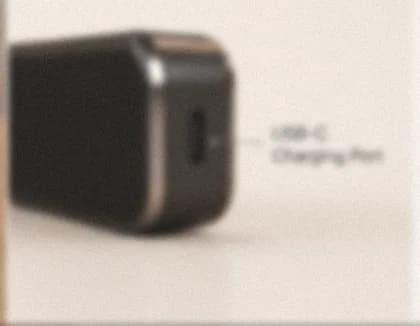
- USB-CCharges over USB-C. Battery life is still being tuned.
- One buttonA single multifunction button — its gestures are still proposals.

Animated personality
It Shows How Things Are Going.
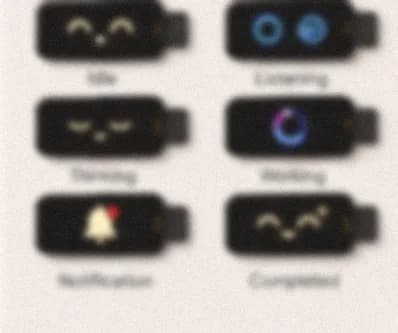
Tap a state and watch it change. Each one tells you, at a glance, whether Hanu is listening, thinking, working, waiting for you — or done. Prefer something quieter? Minimal Mode swaps the face for a few plain words.
Concepts, drawn live in your browser. The full set of expressions and animations is still being designed — this is where it’s heading, not a finished library.
Live task awareness
Know What Hanu Is Doing.
When Hanu runs a task on your Mac, the Pod follows along — and catches your eye when something needs you. Try it.
- No task running.
A simulation. The Pod never runs tasks itself and shows no made-up progress: it shows “Task completed” only after the Hanu desktop app confirms the task succeeded.
Magnetic mounting
It Lives on the Edge of Your Lid.
- 01Place the plate
Stick the thin steel plate on the back of your laptop's lid, near its left or right edge.
- 02Click it on
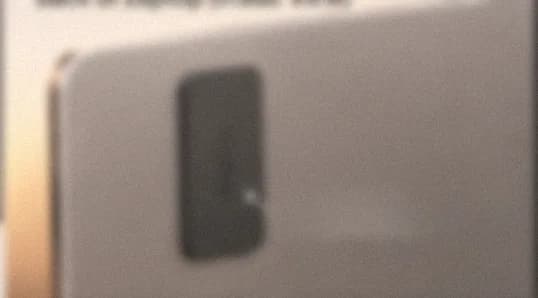
The Pod snaps to the plate and peeks out past the side of the lid, its display facing you.
- 03Move it anytime
Lift it off and set it on the magnetic desk stand instead.
The plate goes on the back of the lid — never on the display glass.
Notifications
Only What You Let Through.
Choose in the desktop app which alerts reach the Pod — from Hanu’s own tasks and approvals to the sources the app supports. Everything else stays on your Mac.
- Do Not DisturbOne switch and the Pod goes quiet.
- Previews off by defaultIt says something arrived — not what it says — until you choose otherwise.
- Supported sources onlyNot every app on your Mac can send to the Pod.
On your desk
A Focus Timer That Stays in Sight.
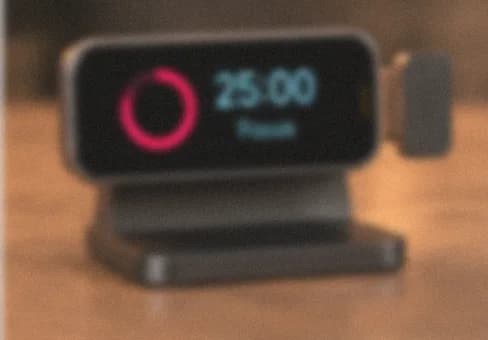
Twenty-five minutes of focus, five to breathe, a longer break after every fourth — or your own lengths. Pause, resume, reset or skip. This one works: try it.
0 sessions done · a longer break after every fourth
The Pod is designed to keep its timer running on its own if your Mac disconnects.
- ClockThe time, quietly, at the edge of your screen.
- Focus ModeHolds back everything but what you've let through.
- Daily PlanWhat's next on your day, from the desktop app.
- Task DisplayThe task Hanu is working on, in a few words.
Wireless, and run from your Mac
The Mac Thinks. The Pod Shows.
No cables while it works. It pairs with the Hanu desktop app and reconnects on its own when it can.
- Press acknowledge or dismiss
- Double press start or pause focus
- Hold Do Not Disturb
Pairing, Companion or Minimal Mode, which alerts come through, previews, Do Not Disturb and your timer.
Disconnecting the Pod never interrupts a task on your Mac — it just stops showing it until it’s back.
Privacy and reliability
It Shows. It Doesn’t Watch.
- No cameraThere isn't one in V1.
- No microphoneNor this. Hanu listens through your Mac, if you let it.
- No screen recordingThe Pod is shown short status updates, not your screen.
- Calm when apartIf the connection drops, it says so — and reconnects when it can.
What’s in the box
Everything to Get Going.
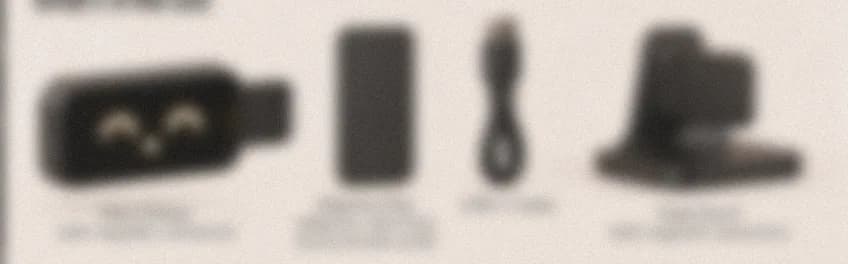
- Hanu Pod
- Adhesive steel mounting plate
- Magnetic desk stand
- USB-C cable
- Quick-start instructions
No power adapter in the box — use one you already have.
Specifications
The Details, So Far.
- Display
- Compact colour AMOLED
- Connectivity
- Bluetooth Low Energy
- Charging
- USB-C
- Battery life
- Targeting 24 hours under a defined typical-use profileTarget
- Mounting
- Magnetic, with supplied adhesive-backed steel plate
- Desk accessory
- Magnetic desk stand
- AI processing
- Hanu desktop application
- Camera
- Not planned for V1
- Microphone
- Not planned for V1
- Touchscreen
- Not planned for V1
In development: the design and these details may change. Battery life is a goal we’re working toward, not a promise.
The Future Is Ours.Let’s Build ItTogether.
Help us build the companion you want on your desk.
We have a vision for Hanu Pod. But the best ideas don’t come from one place.
Tell us what it should show, how it should feel, and what would make it earn its spot by your screen.